Why PDF Still Matters in Business, Legal, and Government Work
Despite cloud docs and collaborative editors, PDF remains essential wherever documents need stable formatting, dependable sharing, signatures, or recordkeeping.
Discover tips, tutorials, and best practices for working with PDF documents. Learn how to make the most of PlayWithPDF's tools.
If you are new to PlayWithPDF, start with the deeper articles below. They explain the bigger ideas behind OCR, archiving, AI workflows, and why PDFs still matter in real-world document handling.
PDF/A is a special archival version of PDF designed for long-term preservation. This guide explains what it is, why it exists, and when it matters.
Read guideDespite cloud docs and collaborative editors, PDF remains essential wherever documents need stable formatting, dependable sharing, signatures, or recordkeeping.
Read guideA PDF can look readable and still be unusable for search, copying, accessibility, and automation. This guide explains the difference between scanned and digital PDFs and where OCR fits in.
Read guideAI is changing how people search, summarize, classify, and extract information from PDFs, but the strongest workflows still depend on clean documents, structure, and careful review.
Read guide
Despite cloud docs and collaborative editors, PDF remains essential wherever documents need stable formatting, dependable sharing, signatures, or recordkeeping.
A PDF can look readable and still be unusable for search, copying, accessibility, and automation. This guide explains the difference between scanned and digital PDFs and where OCR fits in.
AI is changing how people search, summarize, classify, and extract information from PDFs, but the strongest workflows still depend on clean documents, structure, and careful review.
Learn how PDF evolved from an Adobe project in the early 1990s into one of the most trusted document formats for business, publishing, government, and archiving.
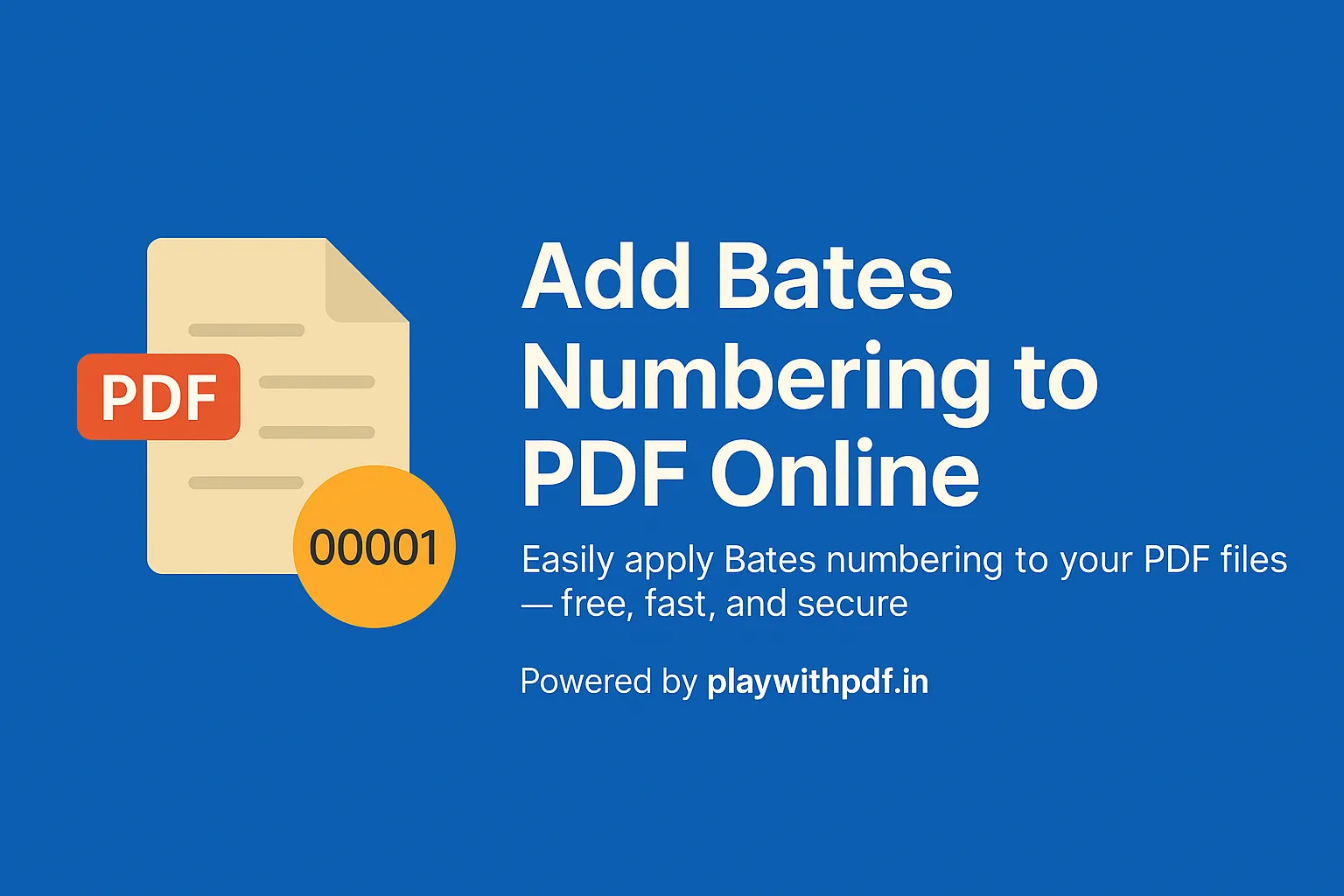
Bates numbering is one of those document tasks that looks specialized from the outside but becomes very practical once you work with large PDF sets. When teams need to reference exact pages in legal review, due diligence, internal...
There are many moments when a PDF is technically the right document format, but an image is the more useful output. Maybe you need to drop a page into a slide deck, share one page quickly in chat, upload a preview to a platform th...
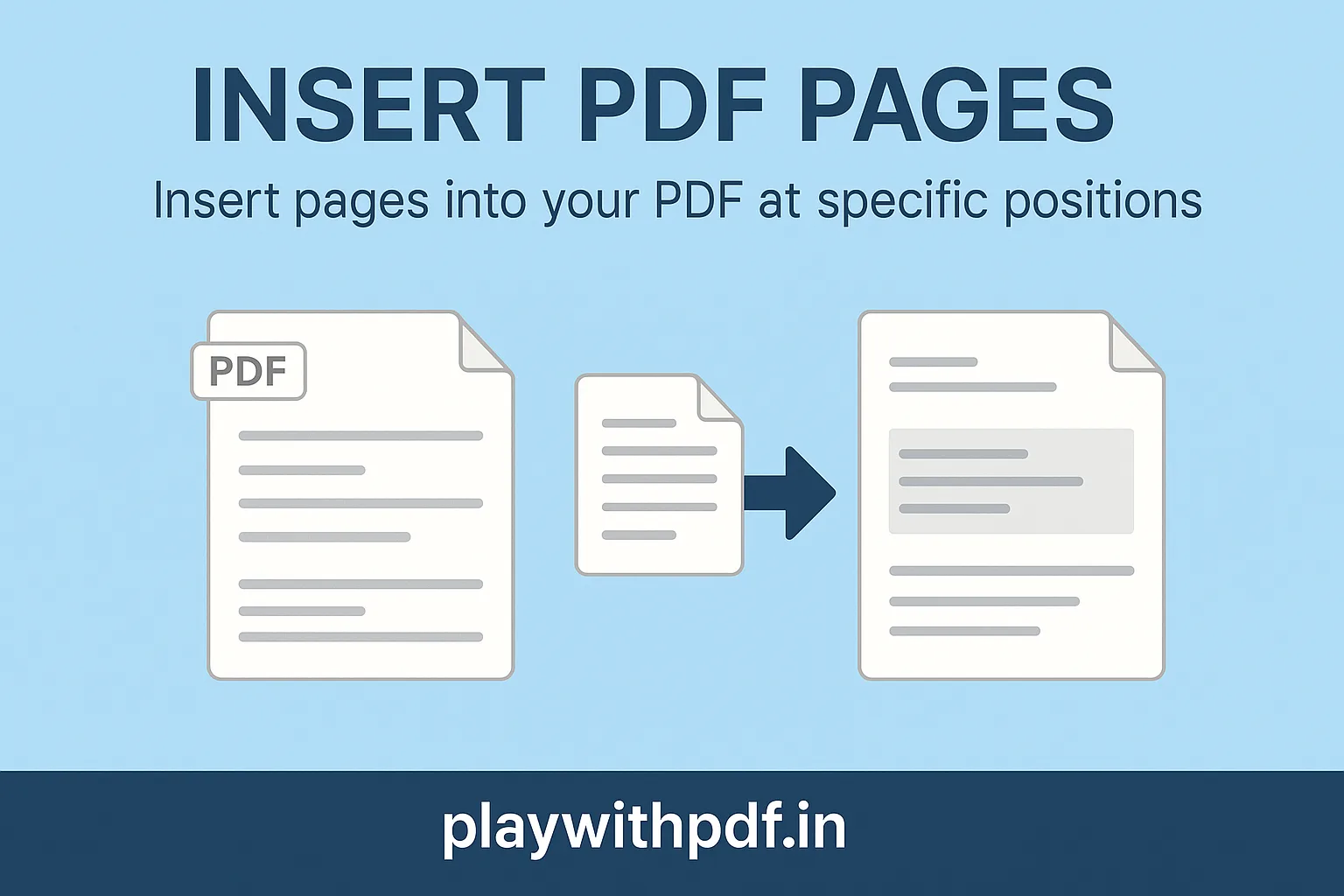
Inserting pages into an existing PDF is one of those tasks that sounds minor until you try doing it in the middle of a real workflow. A report may need a revised cover page. A contract packet may need one missing signature page. A...
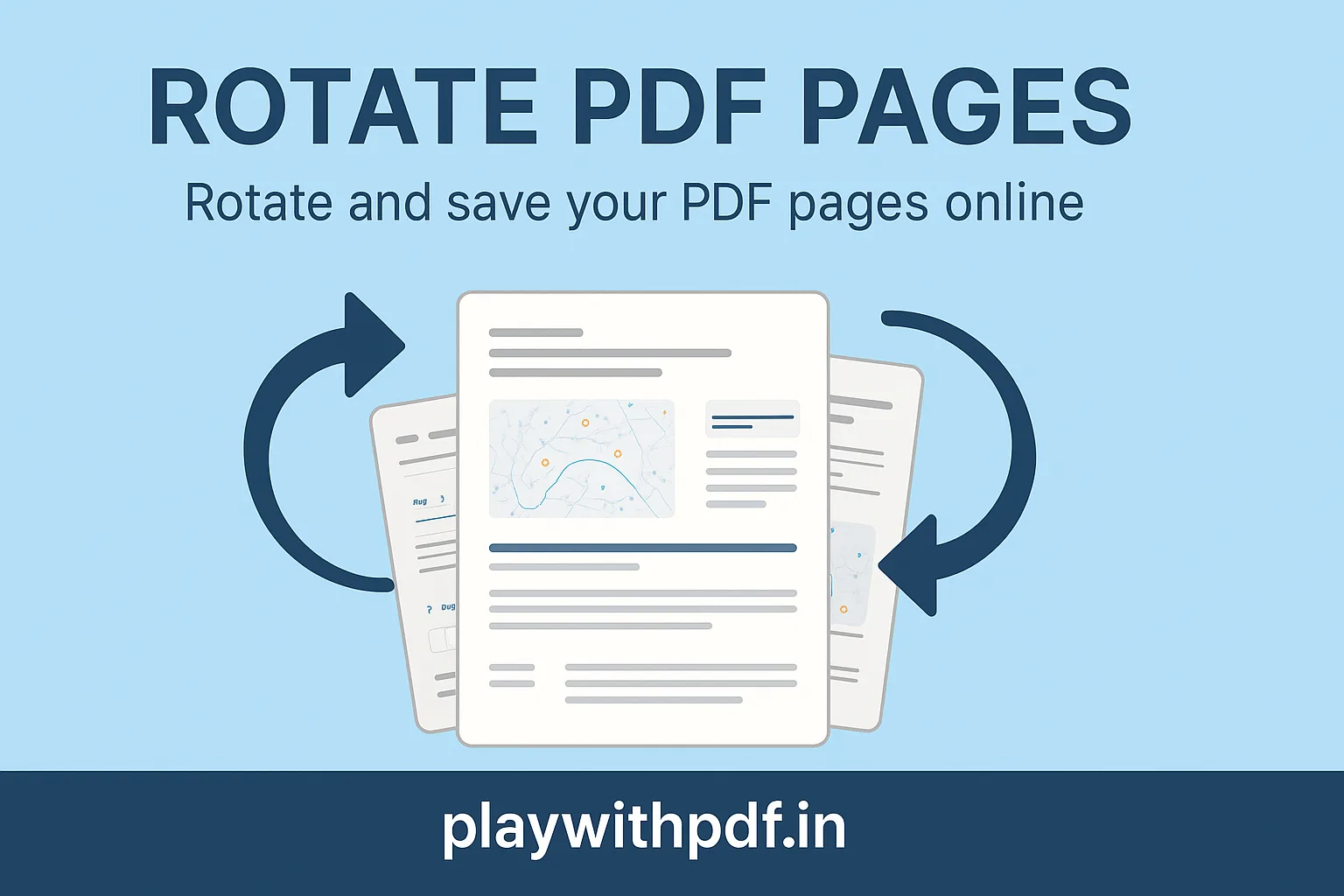
A sideways page can make an otherwise useful PDF feel frustrating and unprofessional. Rotation is one of the simplest PDF fixes, but it matters because readability depends on orientation. If the reader has to twist the screen or p...
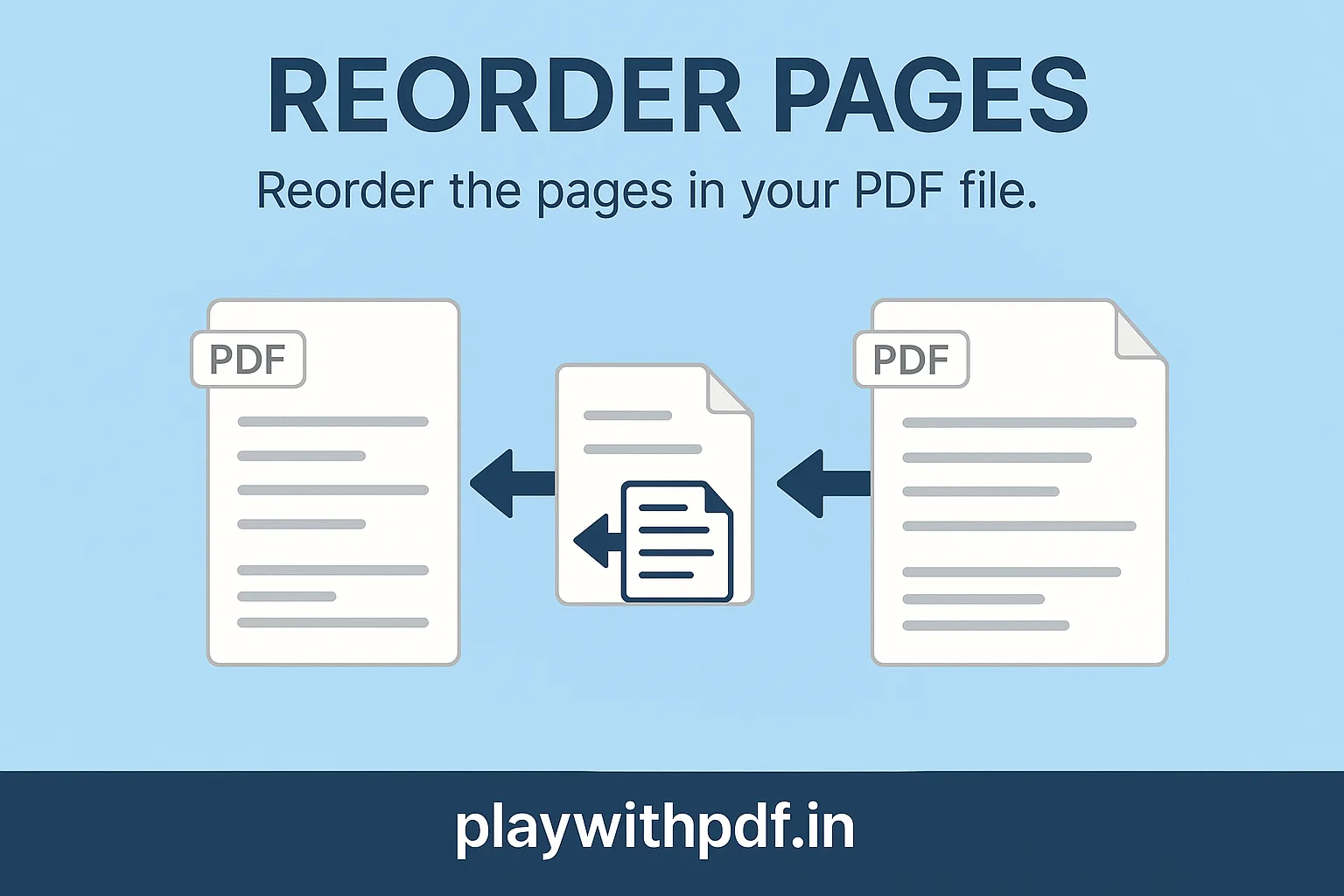
A document can contain all the right pages and still be hard to use if the order is wrong. Reordering pages is one of the most practical PDF edits because page sequence shapes how a reader understands the file. A good order makes...
Sometimes the best PDF workflow is not to shrink or clean the original file, but to pull out only the pages that matter. Extraction is useful when one chapter, one signed page, one receipt, or one appendix needs to be reused witho...
Not every PDF needs to stay exactly as it was received. Many documents include blank scans, duplicated pages, outdated attachments, or sections that should not be shared with the next reader. Deleting pages is one of the simplest...
Large PDFs create friction everywhere. They bounce from email inboxes, fail government-portal uploads, slow down mobile sharing, and make routine archiving more frustrating than it should be. Compression is not only about making a...
A large PDF is not always a better PDF. Many documents become more useful once they are divided into smaller parts that match the way people actually work with them. Splitting is especially helpful when different sections belong t...
Merging PDF files sounds simple, but the details matter when the final file is going to a client, a manager, a legal team, or a government portal. A messy merge can leave pages in the wrong order, mix portrait and landscape layout...
Follow us on social media for the latest PDF tips, tool updates, and productivity hacks.
Follow on Instagram