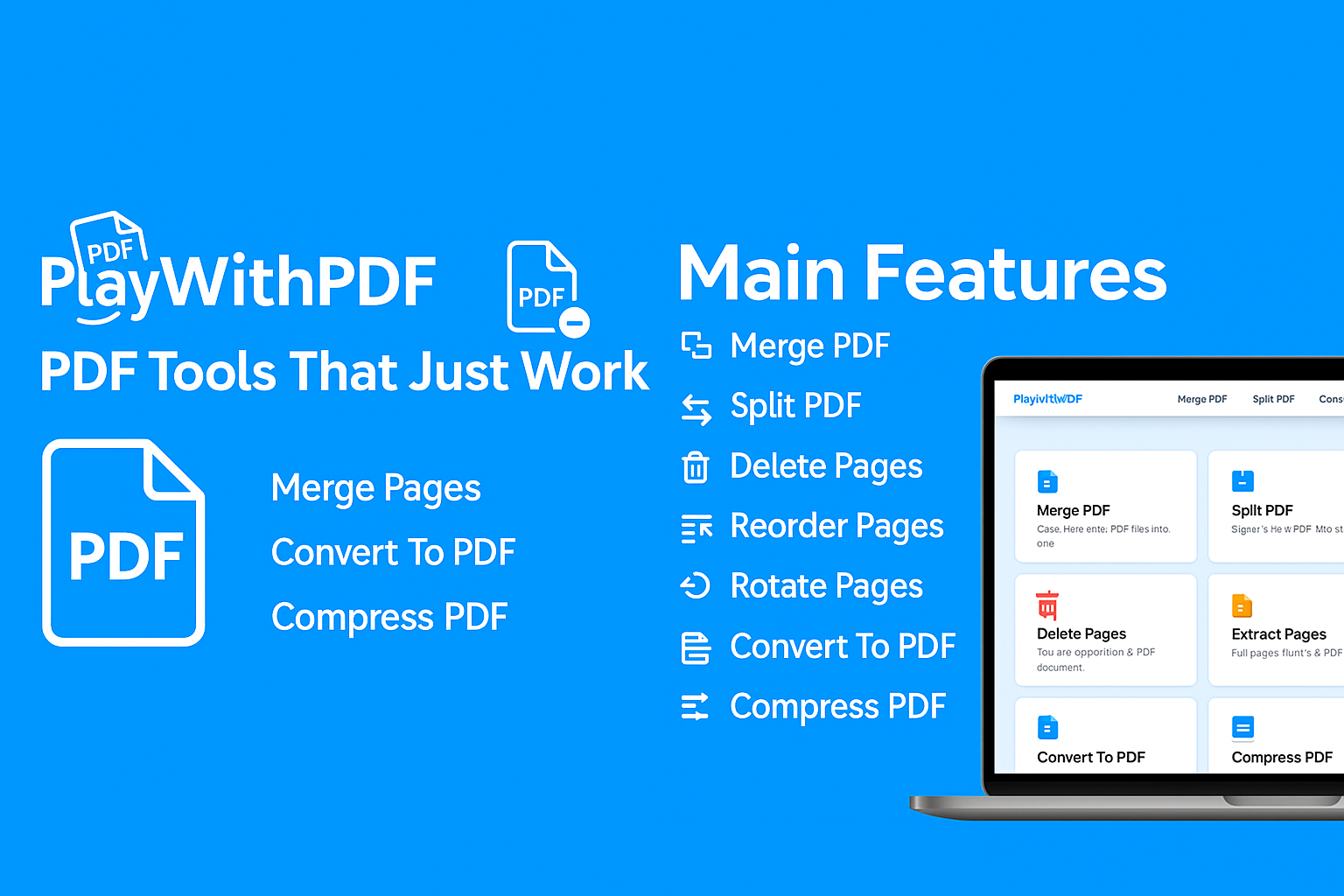
PDF Tools That Just Work
All PDF Tools You Need
Choose from our collection of powerful PDF tools. Each one is designed to handle a specific task quickly and efficiently.
Edit Text in PDF
Edit the text content of your PDF. Click directly on any text to modify it in real-time!
Try It NowMerge PDF
Combine multiple PDF files into one.
Split PDF
Split PDF into individual pages or page ranges.
Delete Pages
Remove unwanted pages from your PDF.
Extract Pages
Pull selected pages from your PDF into a new file.
Reorder Pages
Rearrange the order of pages in your PDF.
Rotate Pages
Rotate PDF pages left or right.
Insert Pages
Insert pages into your PDF at specific positions.
PDF to JPG
Convert PDF pages into JPG images.
PDF to PNG
Convert PDF pages into PNG images.
JPG to PDF
Convert JPG images to PDF.
PNG to PDF
Convert PNG images to PDF.
HTML to PDF
Convert HTML pages to PDF.
Compress PDF
Reduce the file size of your PDF.
Protect PDF
Add password protection to your PDF.
Unlock PDF
Remove PDF password protection.
Edit Text in PDF
Edit the text content of your PDF.
Add Page Numbers
Add page numbers to your PDF.
Add Bates Numbering
Add legal bates numbers to your PDFs.
Trusted by millions — built for everyone
PlayWithPDF gives you full control over your PDF documents. Merge, edit, extract, compress, convert, and secure your files with ease. All tools are browser-based, encrypted, and 100% free — making document handling fast, private, and reliable.
Bank-Level Security
All file transfers are encrypted with 256-bit SSL encryption
Auto File Deletion
Your files are automatically deleted after processing
No Account Required
Use all tools without signing up or creating an account
How PlayWithPDF Works
Three simple steps to get your PDF tasks done
Upload Securely
Choose a file from your device or drag and drop it into the tool. Files are transferred over secure HTTPS and are removed automatically after processing.
Apply Your Tool
Merge, split, compress, convert or edit text directly in your browser. Each tool is designed to be fast, accurate, and easy to use.
Download & Reuse
Download your updated PDF instantly and reuse it for email, print, or online sharing. No watermarks, no hidden limits.
Why People Choose PlayWithPDF
Fast & Browser-Based
No heavy desktop software needed. All tools run directly in your browser and are optimised for common tasks like merging, compressing, and converting PDFs.
Designed for Privacy
We process your documents only for the selected task and automatically clean them up afterwards. You stay in control of when and how your files are shared.
All-in-One Toolset
From basic file operations to conversions and editing, handle almost any PDF workflow from one place instead of jumping between different websites.
Free for Everyday Use
PlayWithPDF is built to help students, professionals, and teams work faster with documents without subscription barriers for normal usage.
Frequently Asked Questions
Everything you need to know about PlayWithPDF
Ready to Work with PDFs?
Choose a tool and get started in seconds. No sign-up required.
Browse All Tools